 Download Plus
You tapped a download link, saw the progress finish, and now the file seems to have disappeared. It hasn't — iPhone just doesn't show downloads on the Home Screen. This guide explains where downloads go on iPhone, how to find any downloaded file in seconds, and how to keep your downloads organized.
Where Safari saves downloads
By default, files you download in Safari go to the Downloads folder in iCloud Drive.
- Open the Files app.
- Tap Browse.
- Open iCloud Drive › Downloads.
If you turned off iCloud Drive, or changed the setting, Safari saves to On My iPhone › Downloads instead.
Change where Safari saves downloads
Go to Settings › Apps › Safari › Downloads and choose iCloud Drive, On My iPhone or another folder. Saving to iCloud Drive keeps the file on all your devices but uses iCloud storage; On My iPhone keeps it only on this device.
Where files from other apps go
Apps that share their files with the Files app get their own folder under On My iPhone. Downloads you make in Download Plus are in Files › On My iPhone › Download Plus, so you can open them from any other app too.
Find any downloaded file fast
- Search: in the Files app, swipe down and type part of the file name.
- Recents: the Recents tab shows the files you opened or saved lately.
- Sort by date: in a folder, tap the options button and sort by Date to see the newest files first.
How Download Plus organizes downloads automatically
Download Plus sorts each finished download by type, so you never have to dig through one long Downloads folder.
| Folder | What goes in it |
|---|---|
| Videos | MP4, MOV, M4V, MKV, WebM and other video files |
| Sounds | MP3, M4A, AAC, WAV, FLAC and other audio files |
| Documents | PDF, Word, Excel, PowerPoint, Pages, TXT, EPUB and more |
| Images | JPG, PNG, HEIC, WebP, GIF and more |
| Archives | ZIP, RAR, 7Z, TAR and GZ archives |
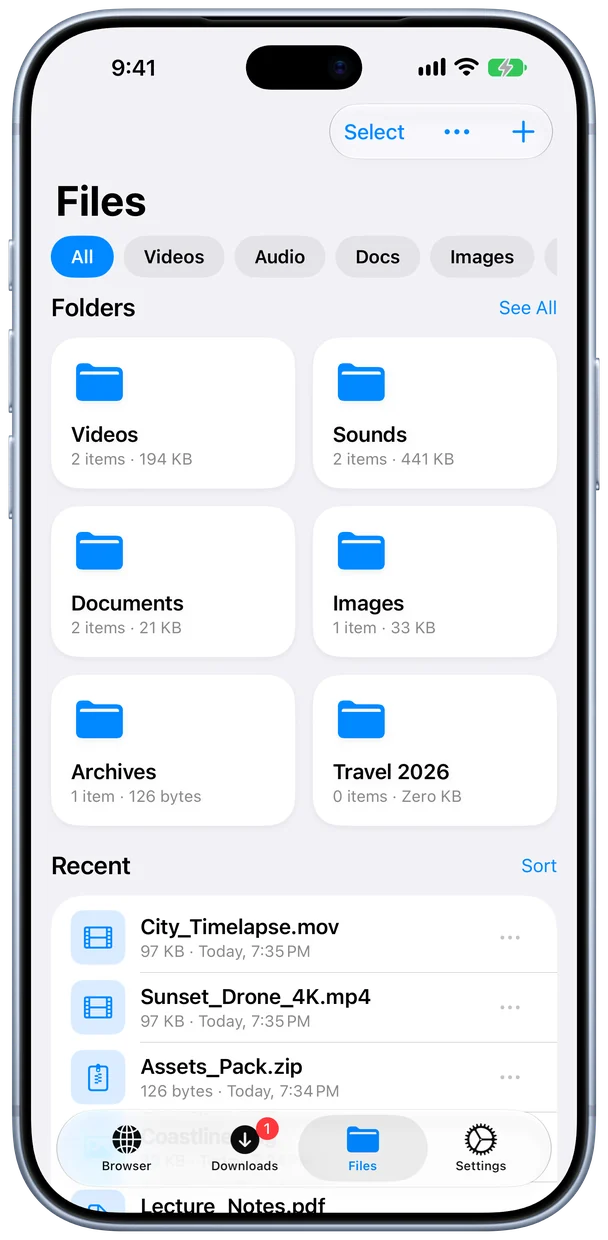
You can also create your own folders, rename files, move them between folders, and search everything at once. The Recent list shows the latest files, sorted the way you like.
Downloads on iPad and Mac
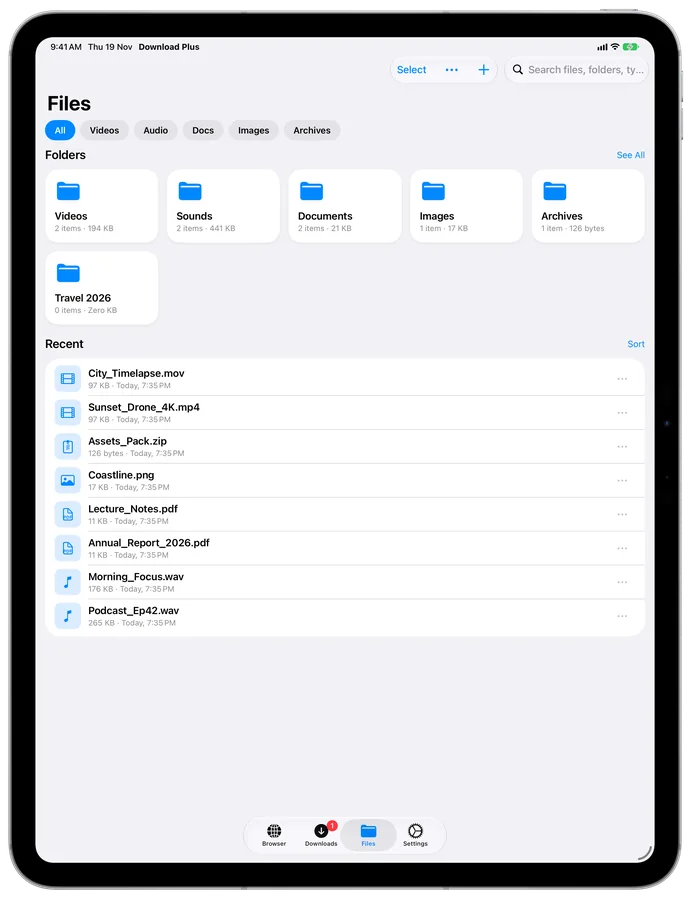
On iPad it works the same way: the Files app shows On My iPad › Download Plus. On Mac, Download Plus keeps its library in Finder under Downloads › Download Plus. With Lifetime Pro, iCloud Sync keeps the same library on all your devices through your own iCloud Drive.
Free up space
Downloads add up. In Download Plus, Settings › Storage shows how much space each file type uses and lets you clear files. For the whole device, open Settings › General › iPhone Storage.
FAQ
Why can't I find my download on iPhone?
Check Files › Browse › iCloud Drive › Downloads for Safari downloads, and On My iPhone for files from other apps. If the download didn't finish, it won't appear — in Download Plus, check the Downloads tab and tap Retry.
How do I move a downloaded video to Photos?
In Download Plus, select the video and choose Save to Photos. In the Files app, open the video, tap Share and choose Save Video.
Are my downloads deleted if I delete the app?
Files stored only in the app's folder on your device are removed with the app. Files synced to your iCloud Drive with iCloud Sync stay in iCloud.
Can I see Download Plus files in other apps?
Yes. Any app that can open files from the Files app can open them from On My iPhone › Download Plus.
Summary
Safari downloads go to iCloud Drive › Downloads in the Files app unless you change it in Settings. Downloads made in Download Plus are sorted into Videos, Sounds, Documents, Images and Archives, and also appear in On My iPhone › Download Plus. To start downloading, read how to download a video from a link on iPhone.