Find the files on any page
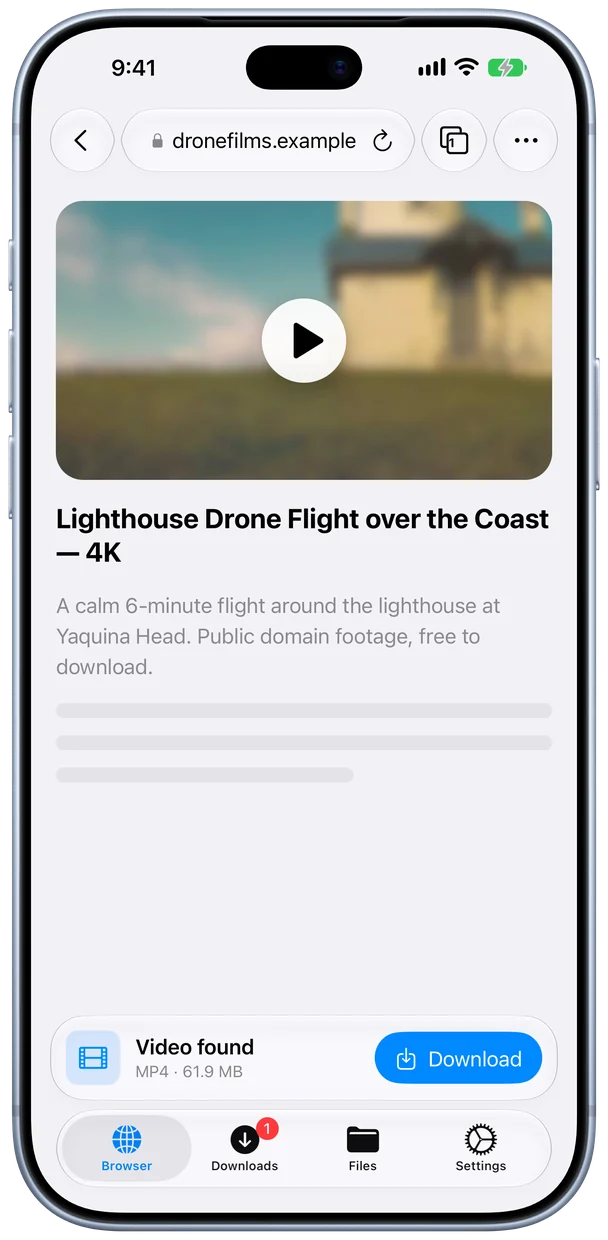
The built-in browser spots direct video, audio and document links. Play a video and it offers to save it — or long-press any link.
Download Plus is a private download manager and file library. Paste a direct link or browse a page, and it keeps going in the background — then organize, unzip and play everything right on your device.
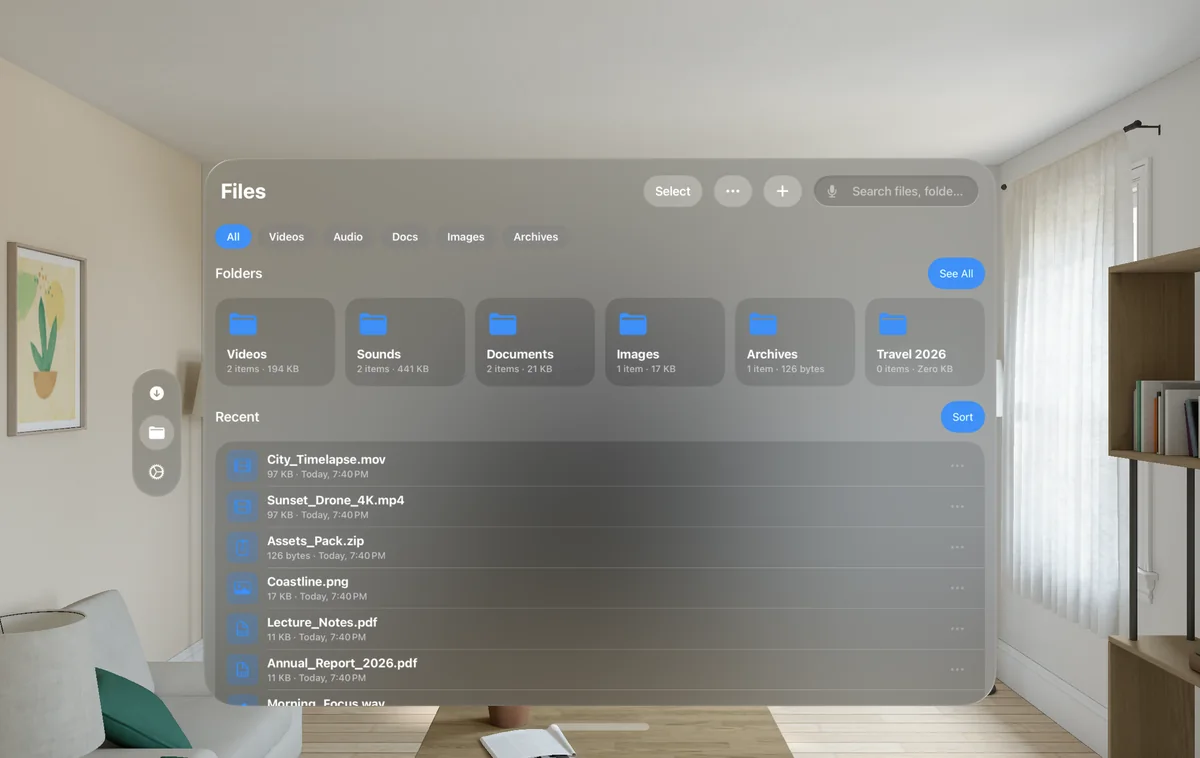
Available now for iPhone, iPad and Mac. Apple Vision Pro is coming soon.
Built with Apple's own frameworks and the Liquid Glass design of iOS 27.
The built-in browser spots direct video, audio and document links. Play a video and it offers to save it — or long-press any link.
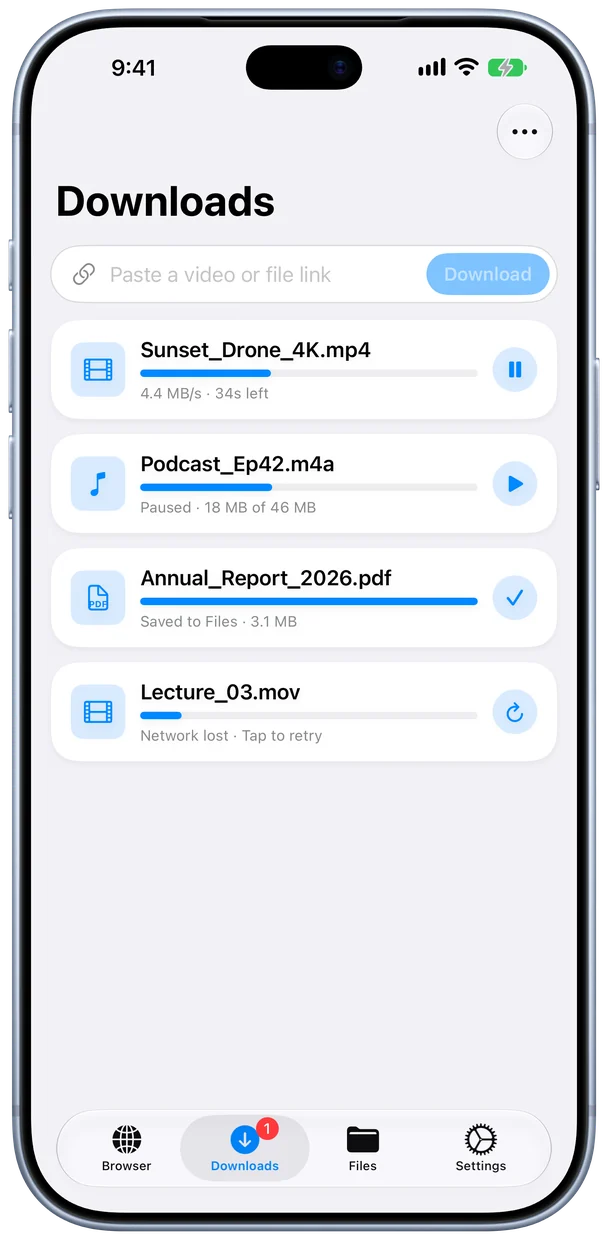
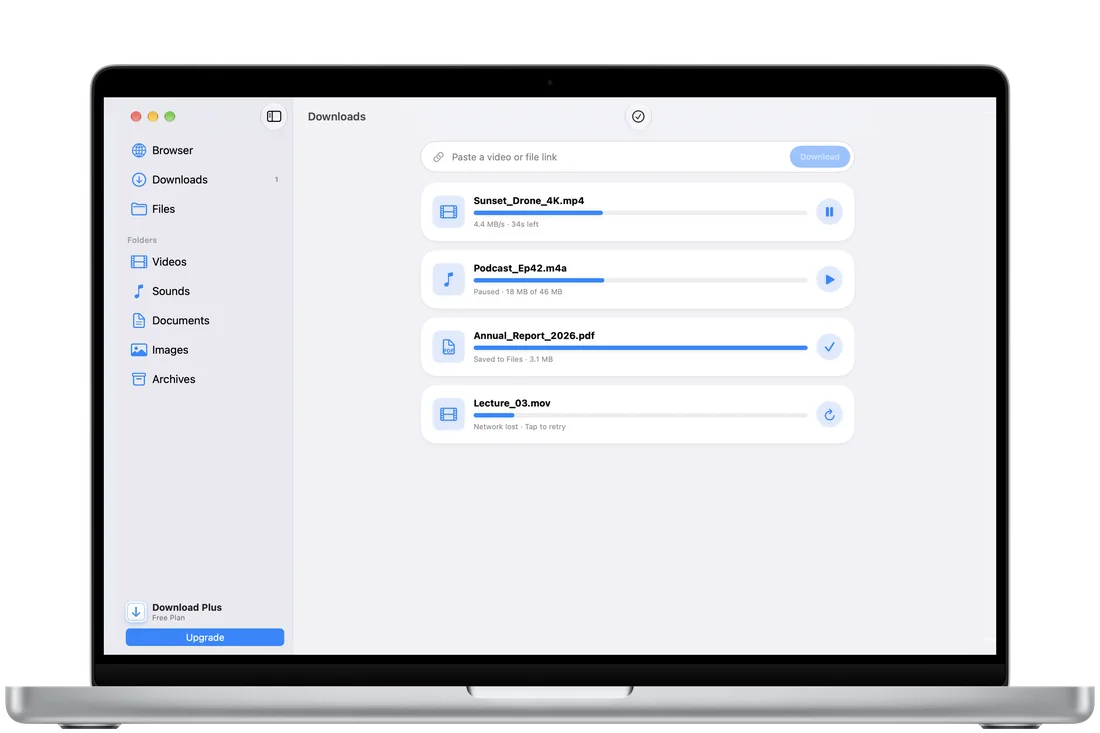
Video downloads up to 4K and every other file in the background, with pause, resume and retry, live speed and time left.
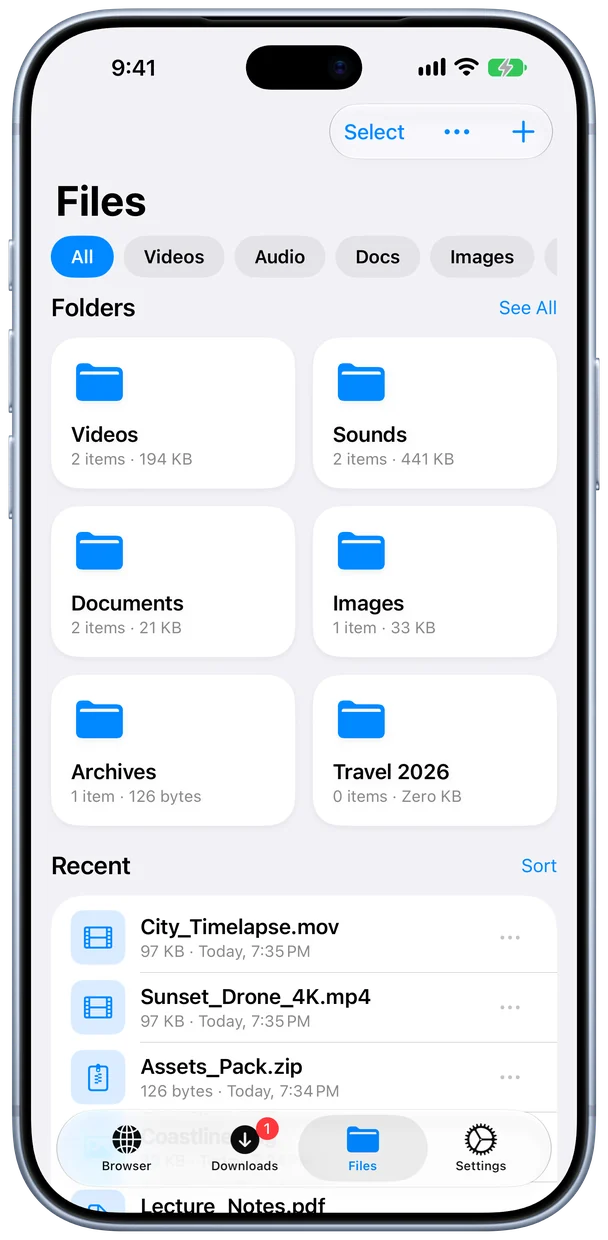
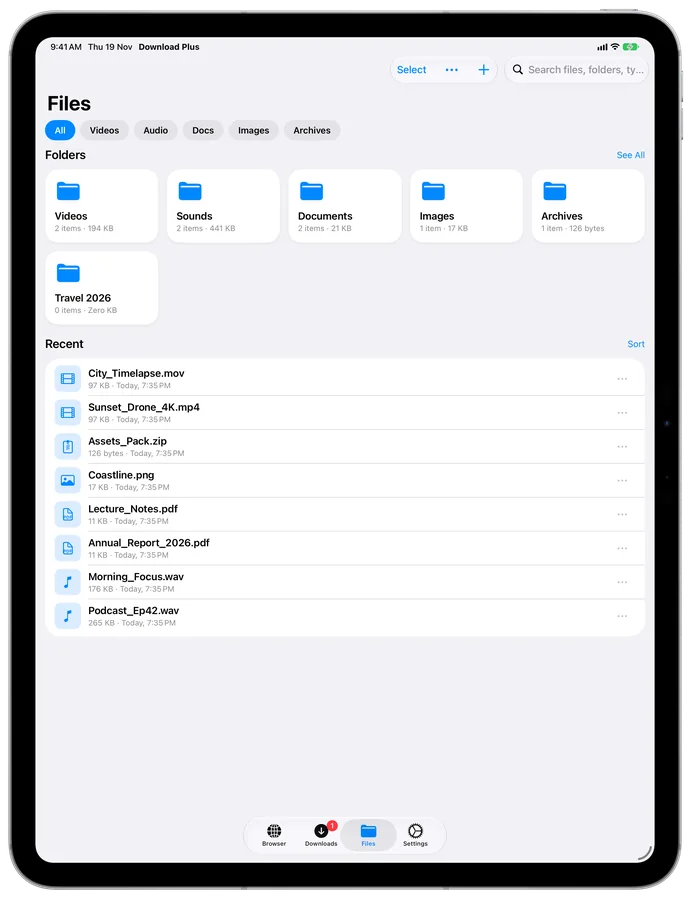
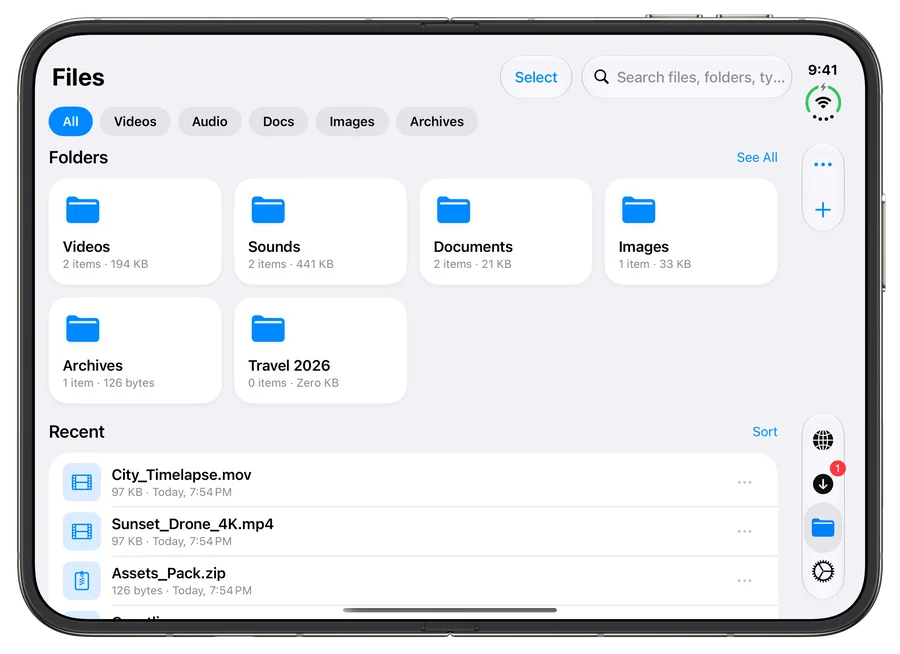
Videos, Sounds, Documents, Images and Archives folders, plus your own. Search and filter instantly.
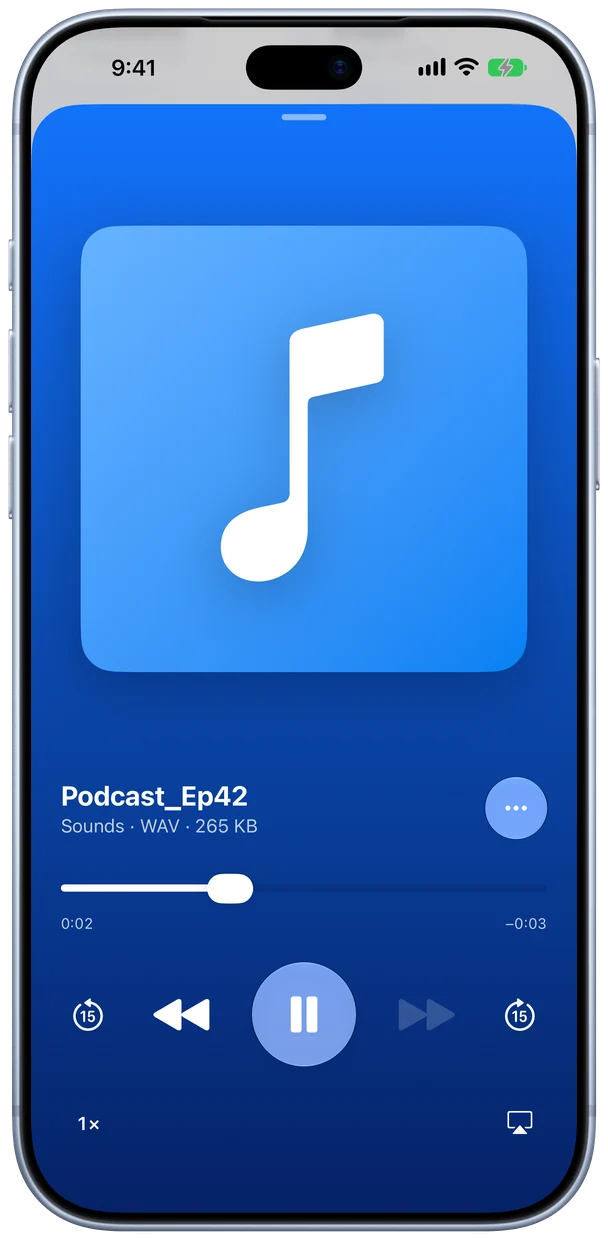
Video with Picture in Picture, audio with lock-screen controls and a mini player, a photo viewer with zoom, and PDF previews.
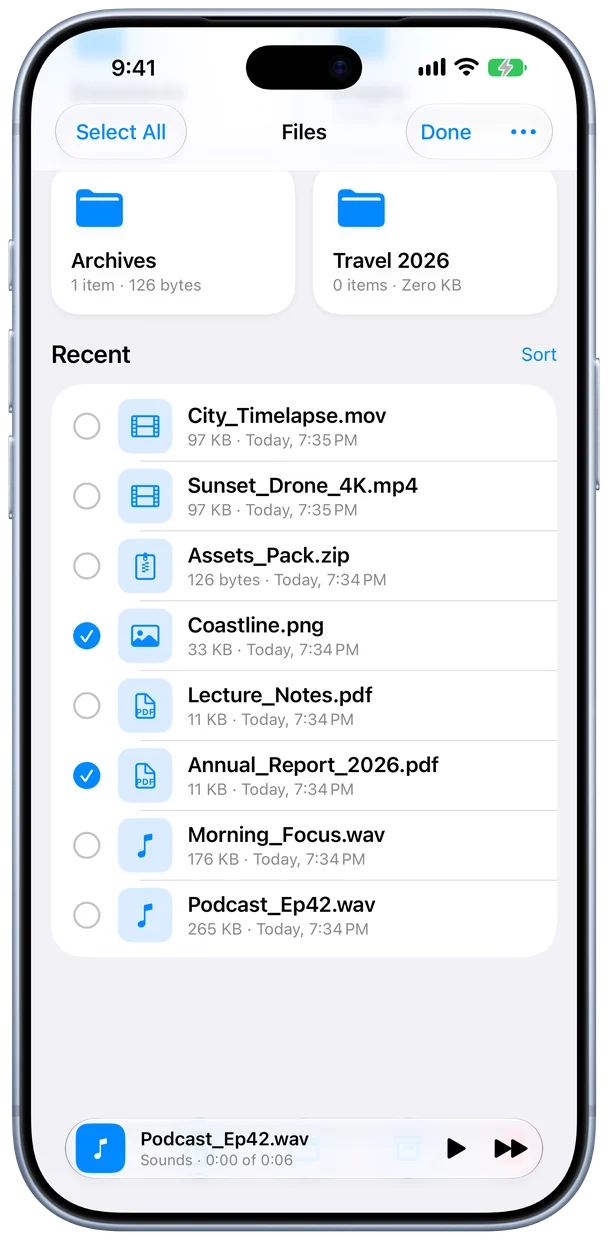
Work with many files at once: copy, move, compress to ZIP, share or delete.
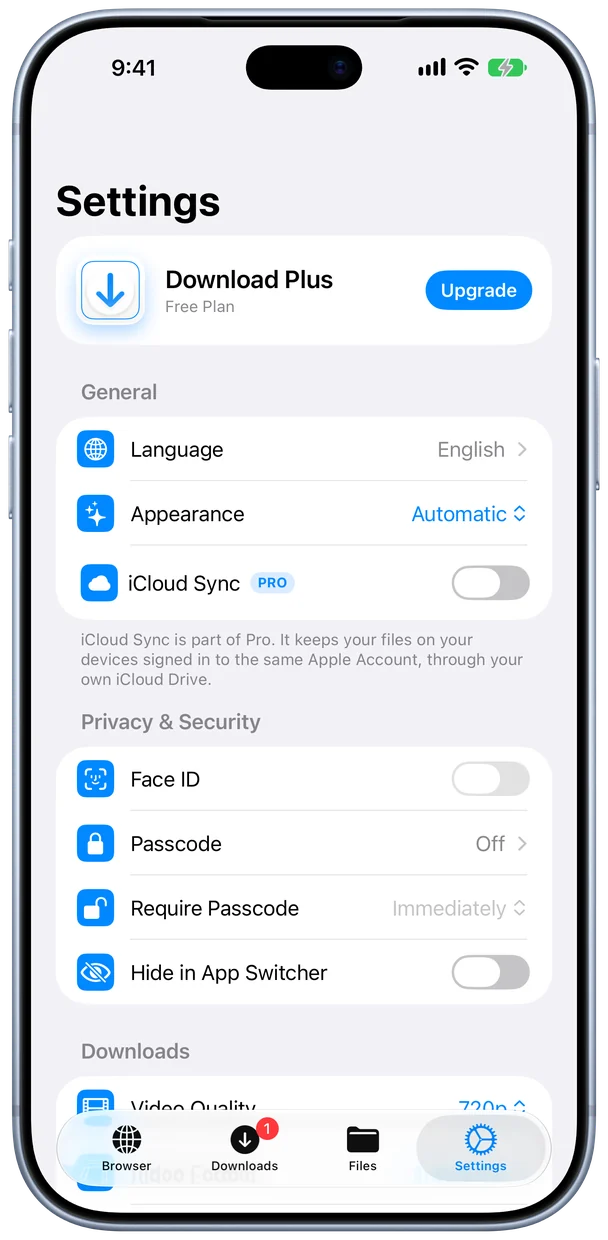
Lock the app with Face ID or a passcode and hide it in the app switcher.
Designed for iPhone, iPad, iPhone Duo, Mac and Apple Vision Pro. With Pro, iCloud Sync keeps the same files everywhere.
Use everything without signing in. Sign in with Apple is optional.
No analytics, ads or third-party SDKs. Nothing is ever sent to us.
iCloud Sync (Pro) uses your personal iCloud Drive. We can't see it.
One tap erases files, history and settings.
Step-by-step help for downloading, finding and playing files on iPhone, iPad and Mac.
Looking for a download manager for iPhone? See what to look for — background downloads, pause and resume, sorted folders, offline players — and start free.
Read the guide →Step by step: download a video from a direct link on iPhone or iPad, save it to Files or Photos, and watch it offline with Picture in Picture.
Read the guide →Download 4K video on iPhone and iPad from a direct link or web page, pick 4K, 2K or 1080p, save storage, and watch offline. Step-by-step guide.
Read the guide →What makes a good video download app for iPhone? Quality up to 4K, background downloads, offline playback, privacy and a fair price — a practical checklist.
Read the guide →Can't find a file you downloaded? Here's where downloads go on iPhone and iPad — Safari, the Files app and Download Plus — and how to organize them.
Read the guide →Learn how to unzip files on iPhone and iPad with the Files app, how to create a ZIP to share many files at once, and how Download Plus handles archives.
Read the guide →No. Download Plus saves direct file links only. Streaming and social services are blocked on purpose to respect creators' rights and App Store rules.
In the app's folder on your device, visible in the Files app (on Mac: Downloads › Download Plus, in Finder) — or in your own iCloud Drive if you turn on iCloud Sync with Pro.
Yes. When a page or link offers a 4K file, Lifetime Pro downloads it in 4K (2160p), 2K or 1080p — choose the quality in Settings › Video Quality. The free plan downloads up to 720p.
No. The free plan stays free, and Lifetime Pro is a single purchase you can restore on all your devices.
Read the support page or email us — we answer every message.